
---
Scenario
Sometimes we need additional driver for EXSI ISO installer, this is a tutorial for how to do it.
Additional driver list
https://vibsdepot.v-front.de/wiki/index.php/List_of_currently_available_ESXi_packages
Build Environment preparation
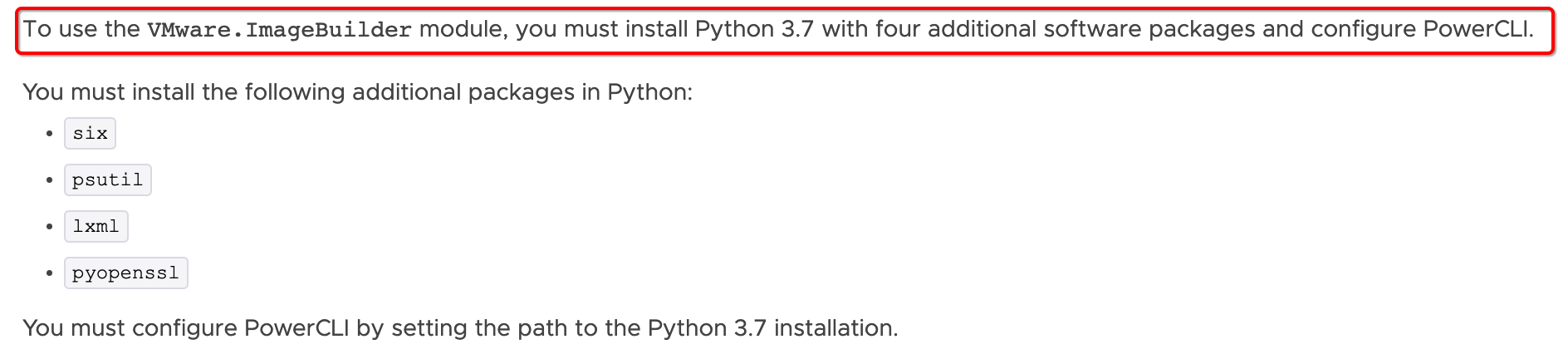
- Python3.7
- VMware.Powercli
- Powershell
If encounter any errors related to the Python3.7, please follow below tutorial check your environment
https://developer.vmware.com/docs/15315//GUID-9081EBAF-BF85-48B1-82A0-D1C49F3FF1E8.html
# example on Linux |
Build Customized EXSI ISO
Download additional drivers (can be done via browser too, either is fine)
# r8101 network driver |
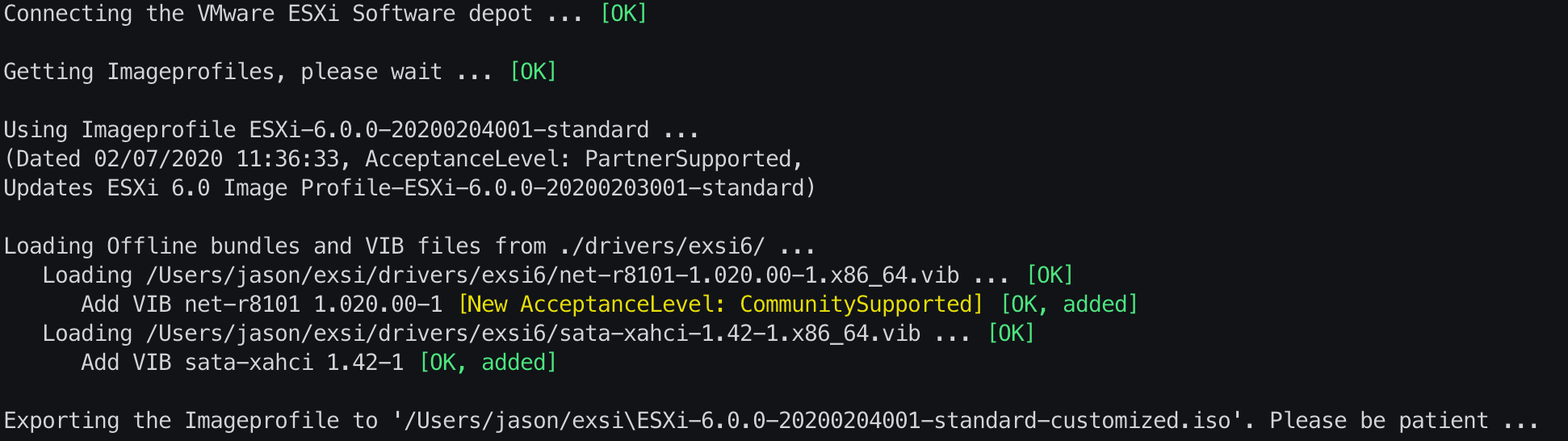
Use offline vib drivers from https://vibsdepot.v-front.de/
PS /Users/jason/exsi> ./exsi.ps1 -h |
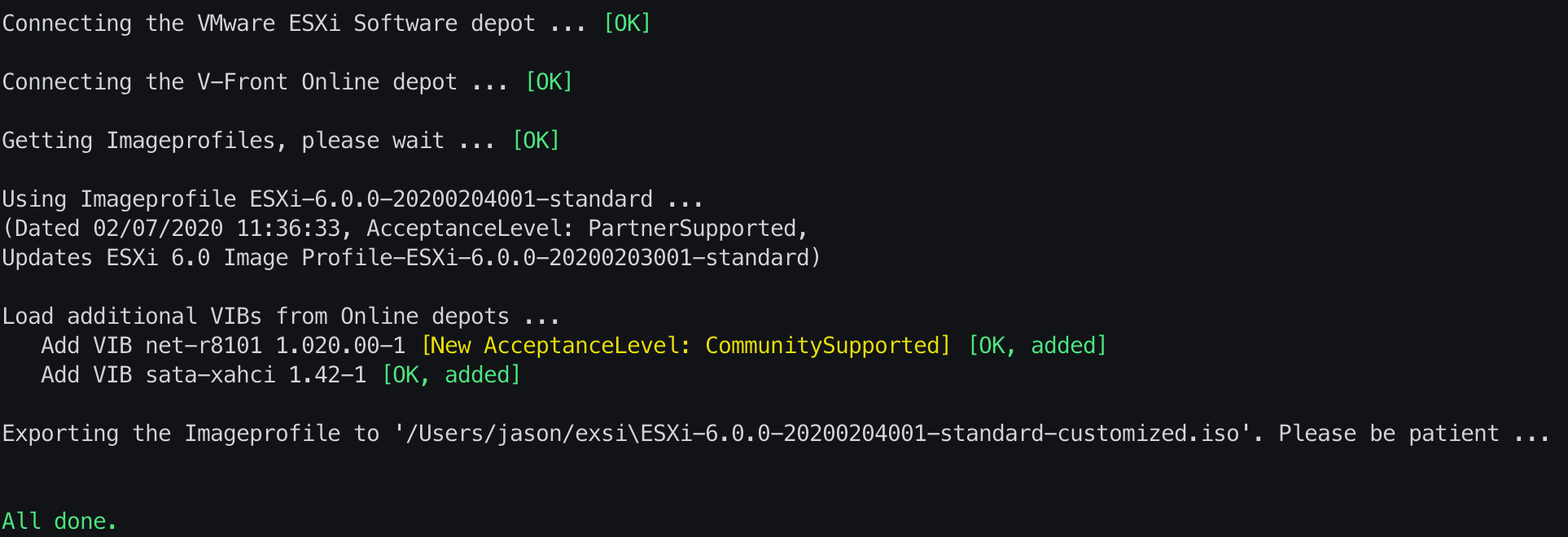
Use online drivers from https://vibsdepot.v-front.de/
# Use online drivers from https://vibsdepot.v-front.de/ |
Reference
- https://github.com/jonas-werner/custom-esxi-iso-with-network-drivers
- https://github.com/VFrontDe-Org/ESXi-Customizer-PS
- https://vibsdepot.v-front.de/wiki/index.php/List_of_currently_available_ESXi_packages