
概览
Microsoft official document:
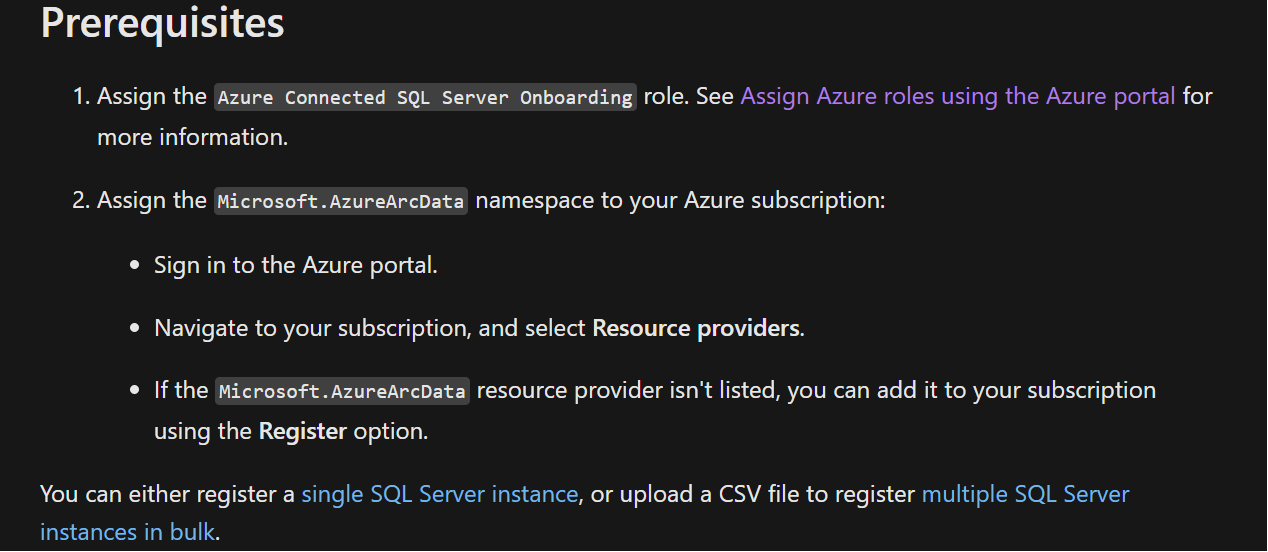
Before starting, make sure we have fully meet the Prerequisites:
-
How to assign Azure Connected SQL Server Onboarding roles in azure portal:
-
How to Assign Microsoft.AzureArcData under your subscription :
Login azure portal, navigate to
Subscriptions->subscription name->settings->Resource providers->searcharc->make sure the status isregistered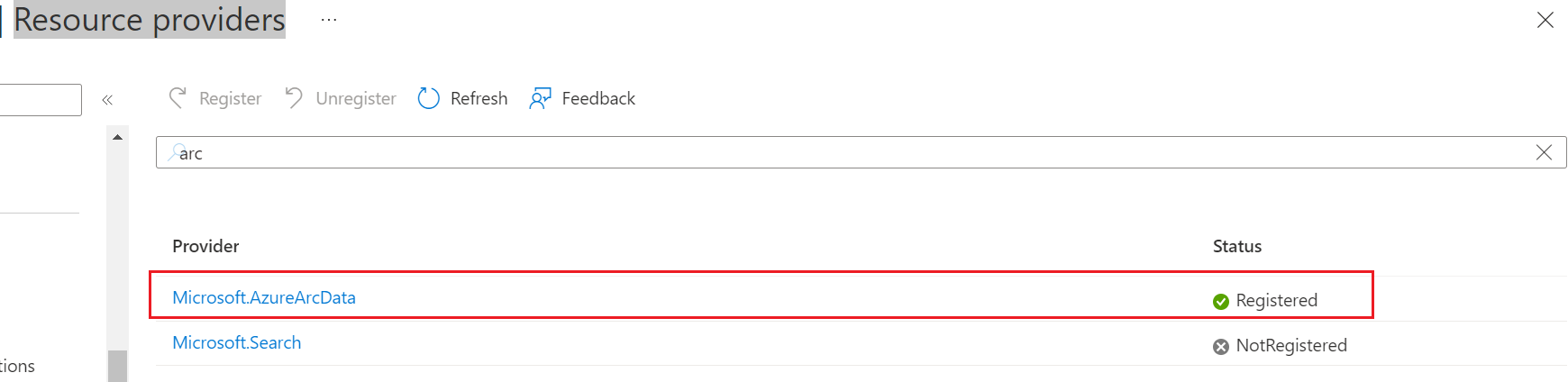
If Microsoft.AzureArcData is not registered, please follow below steps to register resource provider:
# Run with powershell with administrator |
After above steps, we should be fully prepared to register sql server to azure arc. then we can follow below steps to register to azure arc: