GitHub Actions Auto Deploy Hexo Pages

GitHub Actions auto deploy hexo pages

#ci-cd #github-actions #hexo #static-site

Setup Authorization for deployment

>> ssh-keygen  -C "[email protected]" -f github-deploy-key
>> ll github-deploy-key* 13:36.32 五 12 23 2022 >>>
.rw------- 2.6k jason 23 12 12:47 github-deploy-key
.rw-r--r-- 573 jason 23 12 12:47 github-deploy-key.pub

Setup authorization in github

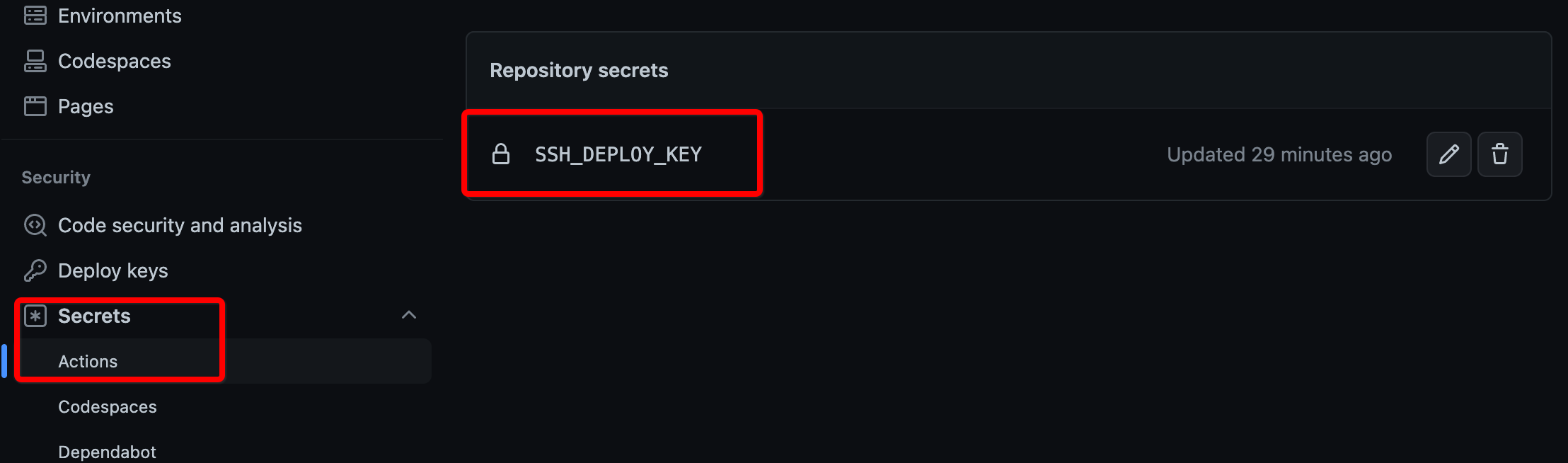
Navigate to Settings -> Secrets -> Actions add SSH Private key and name it as SSH_DEPLOY_KEY

image-20221223134753592

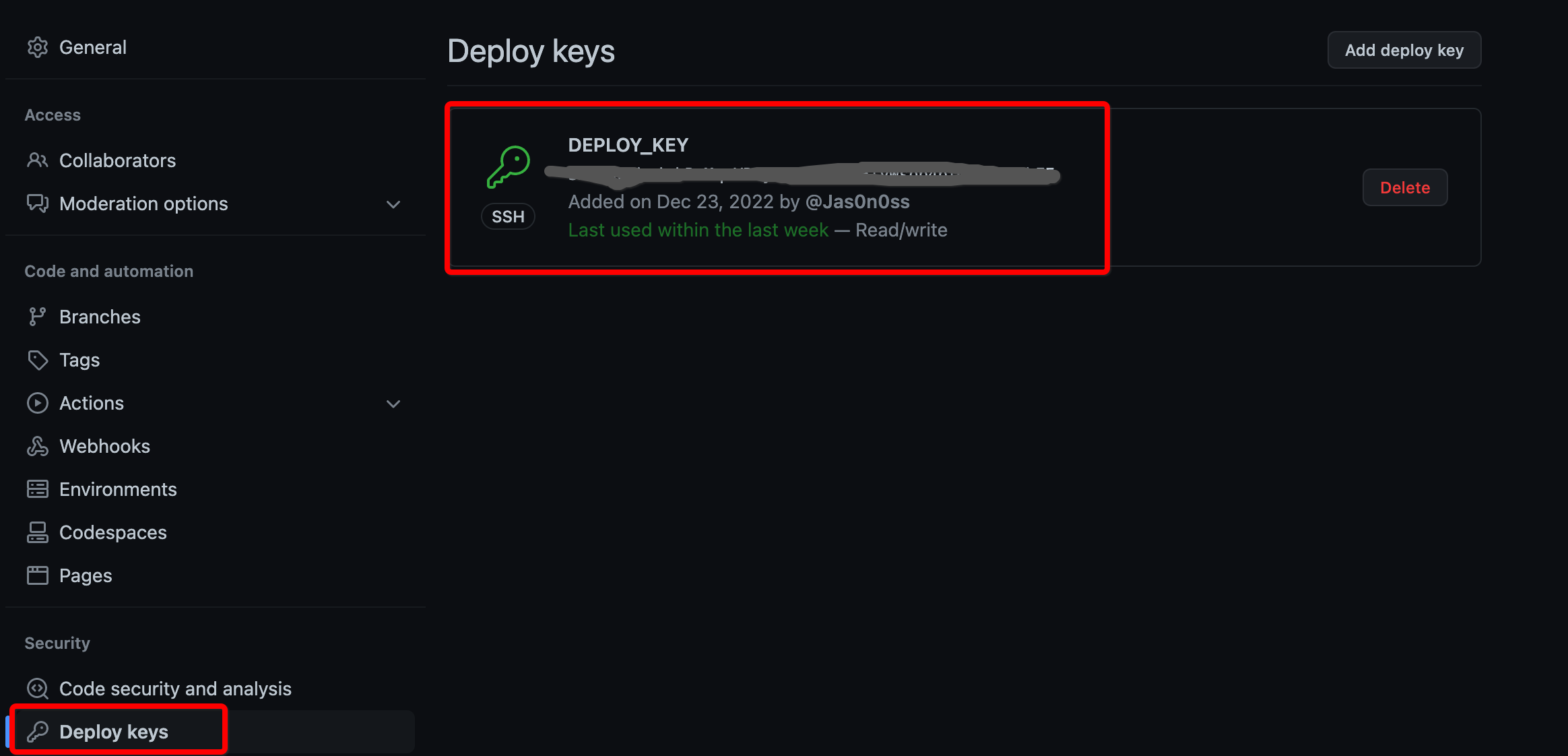
Navigate to Settings -> Deploy keys add SSH public key and mark Allow write access

image-20221223135123108

Create automation workflow file

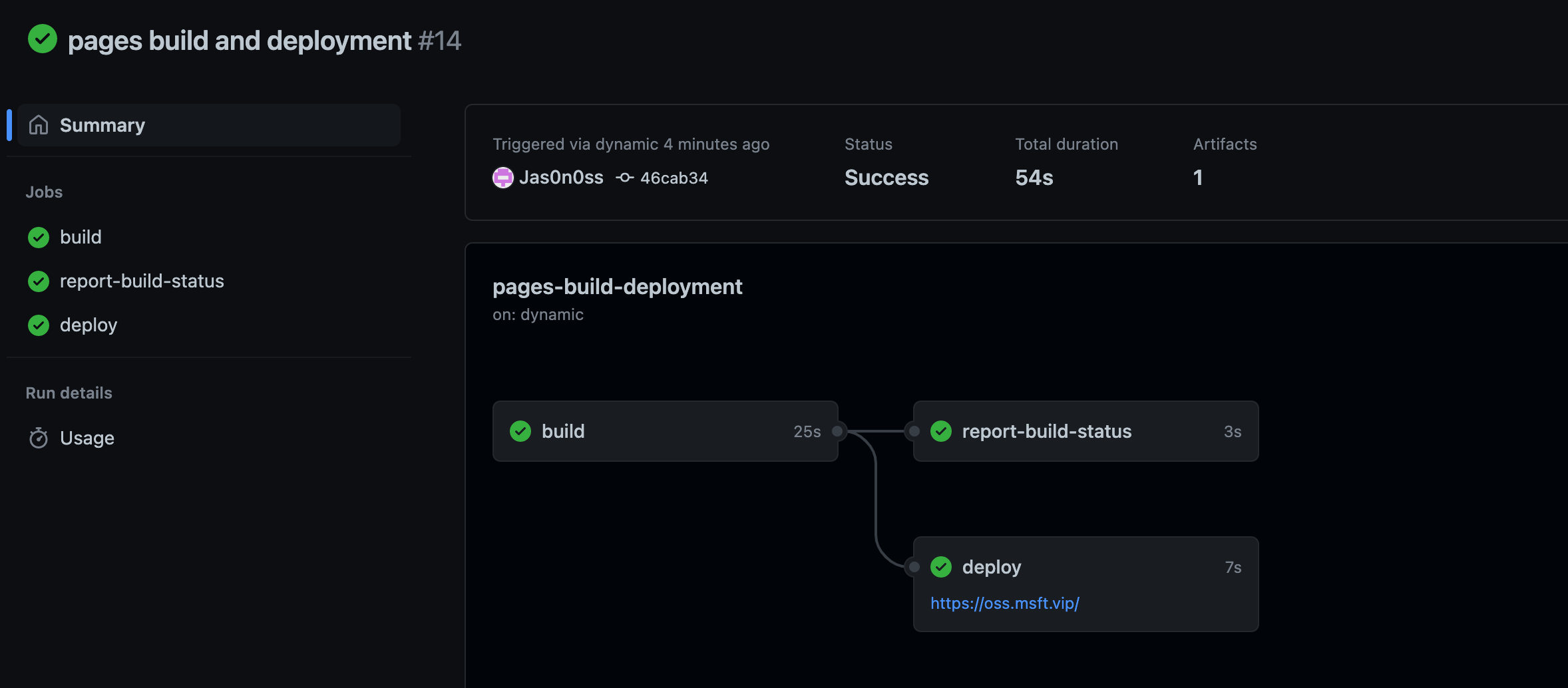
Create .github/workflows/main.yml, copy it to your main.yml and change repository and Git configuration. When it's done, every time you push your new changes to Github,GitHub Actions will automatically deploy your hero website.

name: Deployment
on: push

jobs:
deployment:
runs-on: ubuntu-latest
name: Deployment

steps:
- name: Check Out
uses: actions/checkout@v3

- name: Clone Repo
uses: actions/checkout@v3
with:
repository: Username/Repository # You have to change to your own Repository Here
path: .deploy_git

- name: Setup Node
uses: actions/setup-node@v3
with:
node-version: 16

- name: Setup Git
run: |
git config --global user.name "Example" # Change it Based on your environment
git config --global user.email "[email protected]" # Change it Based on your environment

- name: Setup SSH Key
run: |
mkdir -p ~/.ssh
echo "${{ secrets.SSH_DEPLOY_KEY }}" > ~/.ssh/id_rsa
chmod 600 ~/.ssh/id_rsa

- name: Deploy
run: |
npm install --location=global hexo-cli
npm install
hexo d
git add . && git commit -m 'new post' && git push

image-20221223140859290